Client or User: Who Really Matters More for a UI/UX Designer? How to Create Professional Designs That Satisfy Both
Hey there, I'm a writer deeply passionate about digital design, and over the years I've watched the same debate pop up again and again in designer communities across Egypt, Saudi Arabia, and the UAE: "The client wants it this way, but users are going to hate it," or "I delivered exactly what the client asked for, but the result feels weak."
The truth isn't black-and-white The realistic answer is: the user comes first, but without keeping the client happy, you won't keep getting projects as a professional UI/UX designer or freelance UI UX designer. In this article, we'll talk straight no fluffy motivational quotes about how to strike a real balance between the two, especially when you're handling app UI UX redesign projects or larger work in the Arab market.
Why the User Must Be Your Top Priority (Even If the Client Doesn't See It Yet)
The user is the one who will open the app every single day They're the ones who will delete it if the interface feels frustrating, or recommend it to friends if it makes their life noticeably easier I've seen plenty of projects in the UAE and Saudi Arabia where the client insisted on changes like "make the logo bigger" or "this color looks more premium," only for downloads to drop and ratings to tank after launch.
The Real Difference Between Client Satisfaction and User Satisfaction
Client satisfaction comes from visuals, brand alignment, and on-time delivery.
User satisfaction comes from speed, clarity, zero frustration, and the feeling that the product was built just for them.
When you prioritize the user first, the client ends up happier anyway because the numbers speak: higher conversions, longer session times, better reviews, and more revenue.
How to Achieve a Genuine Balance Between Client and User Needs
As professional designers, we need to act as smart mediators, not just executors.
1. Start with User Research Before You Even Talk Design with the Client
Run quick interviews or short surveys with 5–10 real users from your target audience. Ask: "What's the most annoying thing about this app right now?" not "What do you think of this color?"
This gives you hard data to present to the client instead of personal opinions.
2. Present Solutions, Not Just Objections
Instead of saying "No, users won't like that," try: "When we tested this, 70% of users reached the goal in 3 steps instead of 7 when we moved the button here."
I did exactly that on an app UI UX redesign project in Egypt. The client was dead-set on placing a large button in the center, but after showing heatmaps from real testing, they agreed to relocate it immediately.
3. Use Tools That Make the Data Speak for Itself
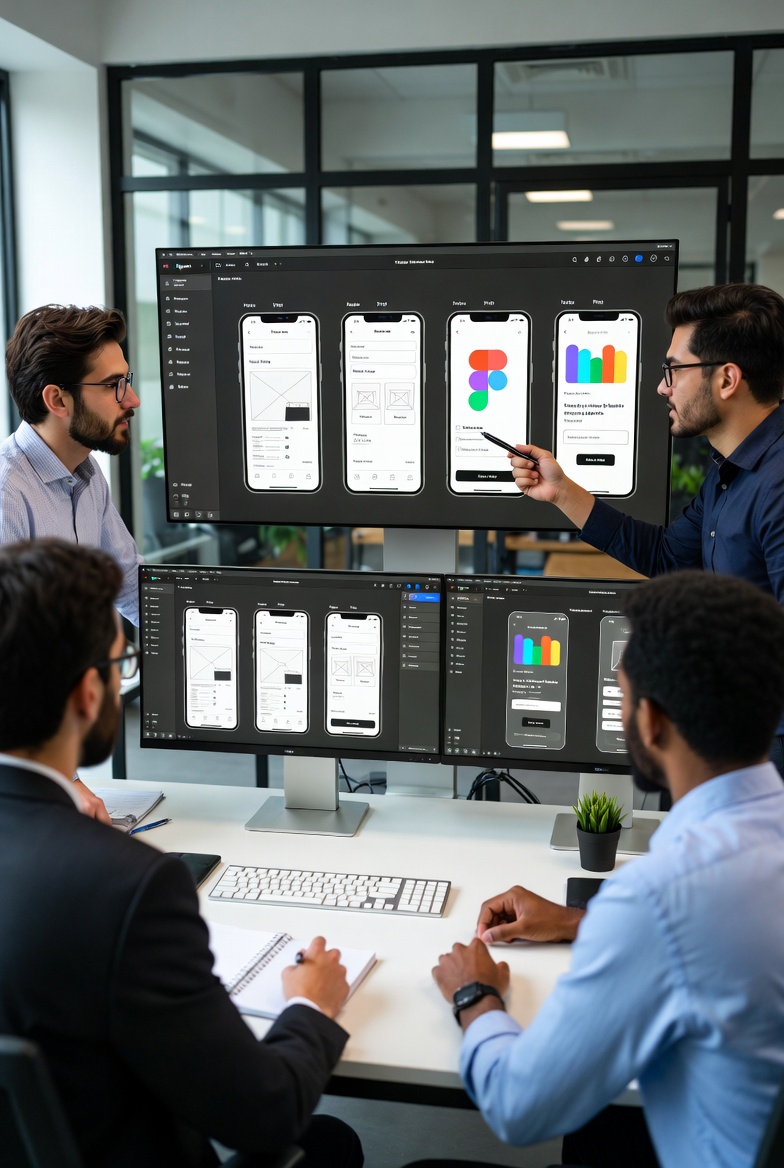
Create a quick prototype in Figma, run a small usability test with real people, and record short clips (with permission, of course). Show the client: "Watch the user paused here for 45 seconds looking confused."
When they see the problem with their own eyes, resistance drops dramatically.
Common Mistakes That Ruin Good Designs (and How to Avoid Them)
Giving In to Every Client Request
Many freelance UI UX designers fear saying "no" and end up delivering something that looks nice but performs poorly — damaging their reputation long-term.
Ignoring the User Because "The Client Is Always Right"
This happens a lot in big corporate projects. The result? A beautiful app that nobody actually uses.
The Fix: Clear Contracts + Documentation
Include in your contract that final designs will be validated through usability testing, and major changes after testing will incur additional fees. This sets healthy boundaries from day one.
Final Advice from Years of Real Projects
As a professional UI/UX designer in Egypt, Saudi Arabia, and the UAE, you're not just drawing screens you're a strategic partner. Focus on the user to deliver real results, and those results will satisfy the client far more than any cosmetic tweak ever could.
Start small: on your next project, run a quick test with just 5 people and share the data with your client You'll see the difference immediately.
What do you think? Have you ever had a tough client-vs-user moment? Share it in the comments let's discuss!