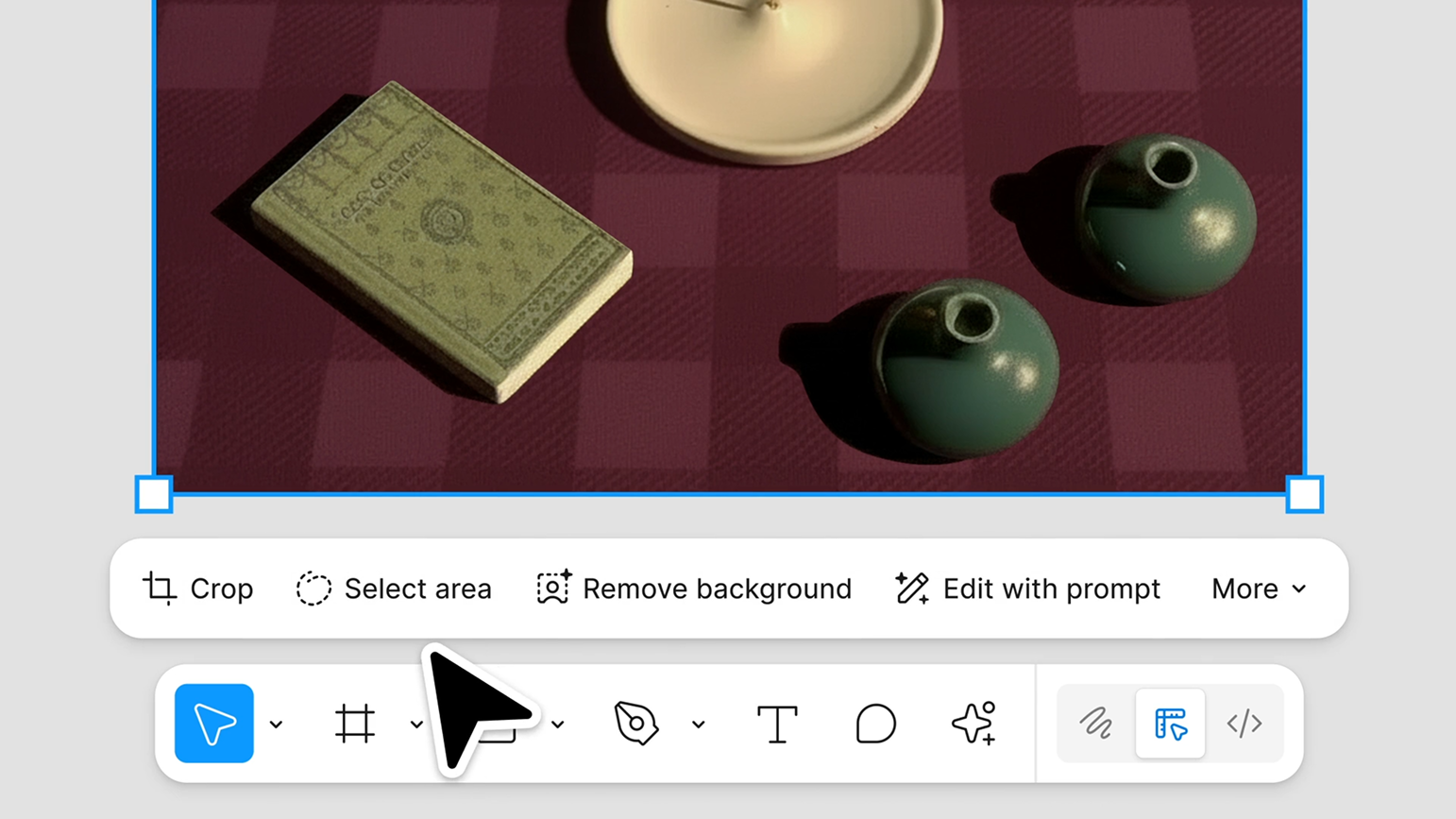
Editing images within the design context helps designers make more accurate decisions during the workflow. Seeing adjustments instantly within the interface saves a significant amount of time and enables better control over visual balance and composition.
New Tools in Figma
1. Erase Object
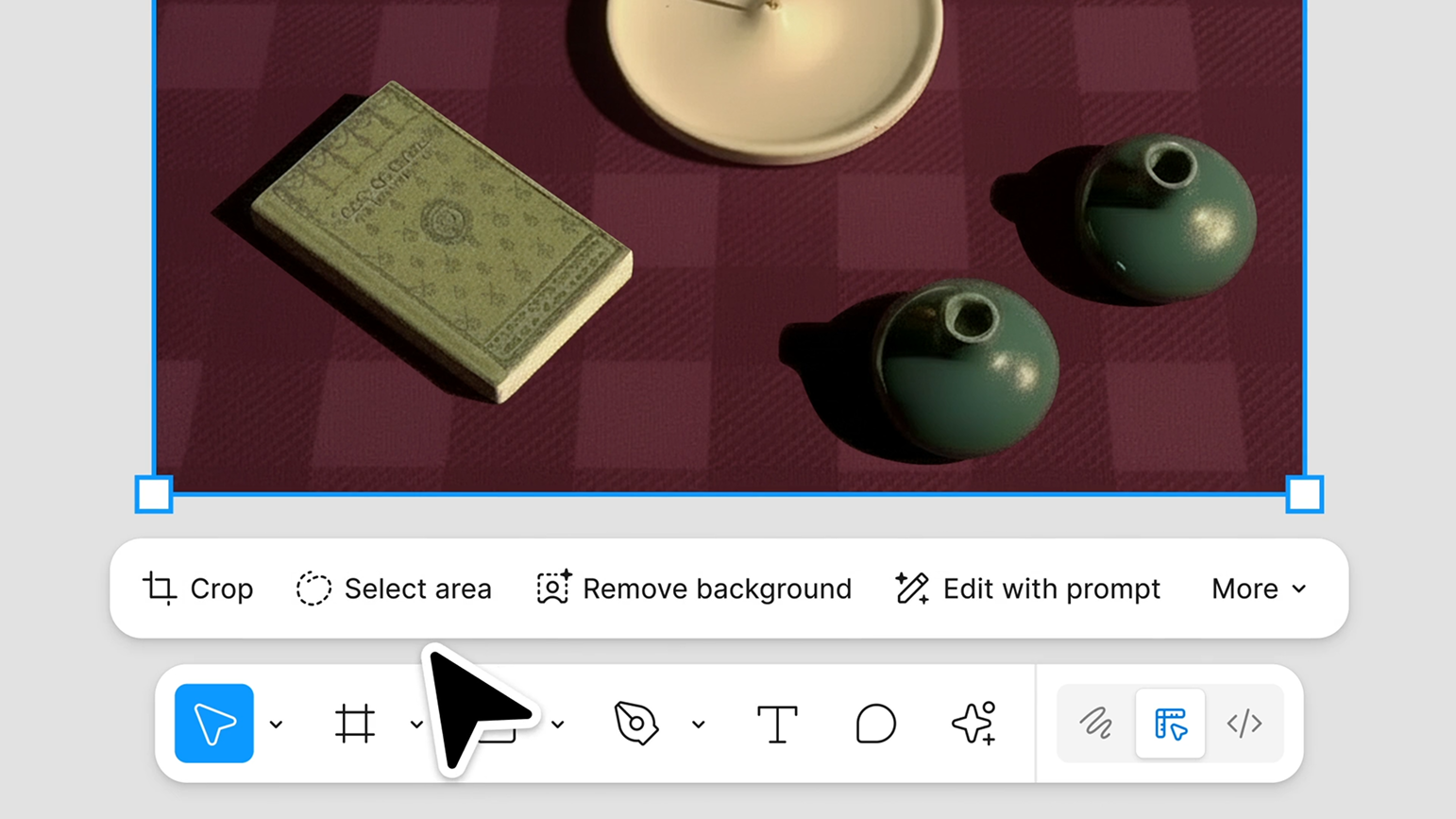
A specialized tool for removing unwanted elements within an image. Designers can select an object and remove it automatically, with Figma generating a suitable background in its place.
Tool Benefits
Removing distracting elements.
Enhancing product images.
Reducing reliance on external editing software.
2. Isolate Object
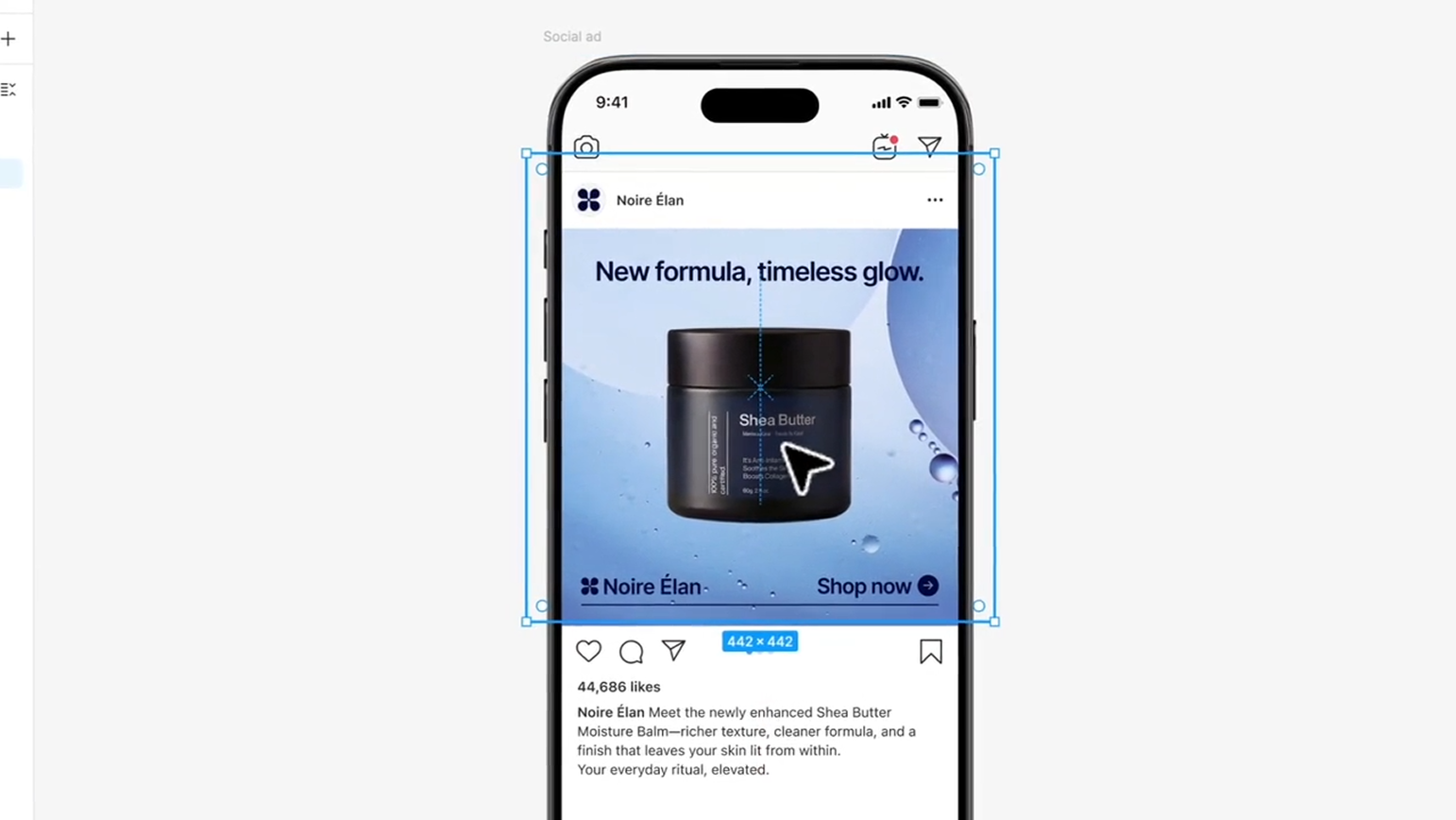
A tool designed to isolate a specific element in the image to adjust it, change its color, or reposition it within the overall composition.
Tool Benefits
Precise control over lighting and color for a single element.
Rearranging image components visually.
Improving overall visual composition quality.
3. Expand Image
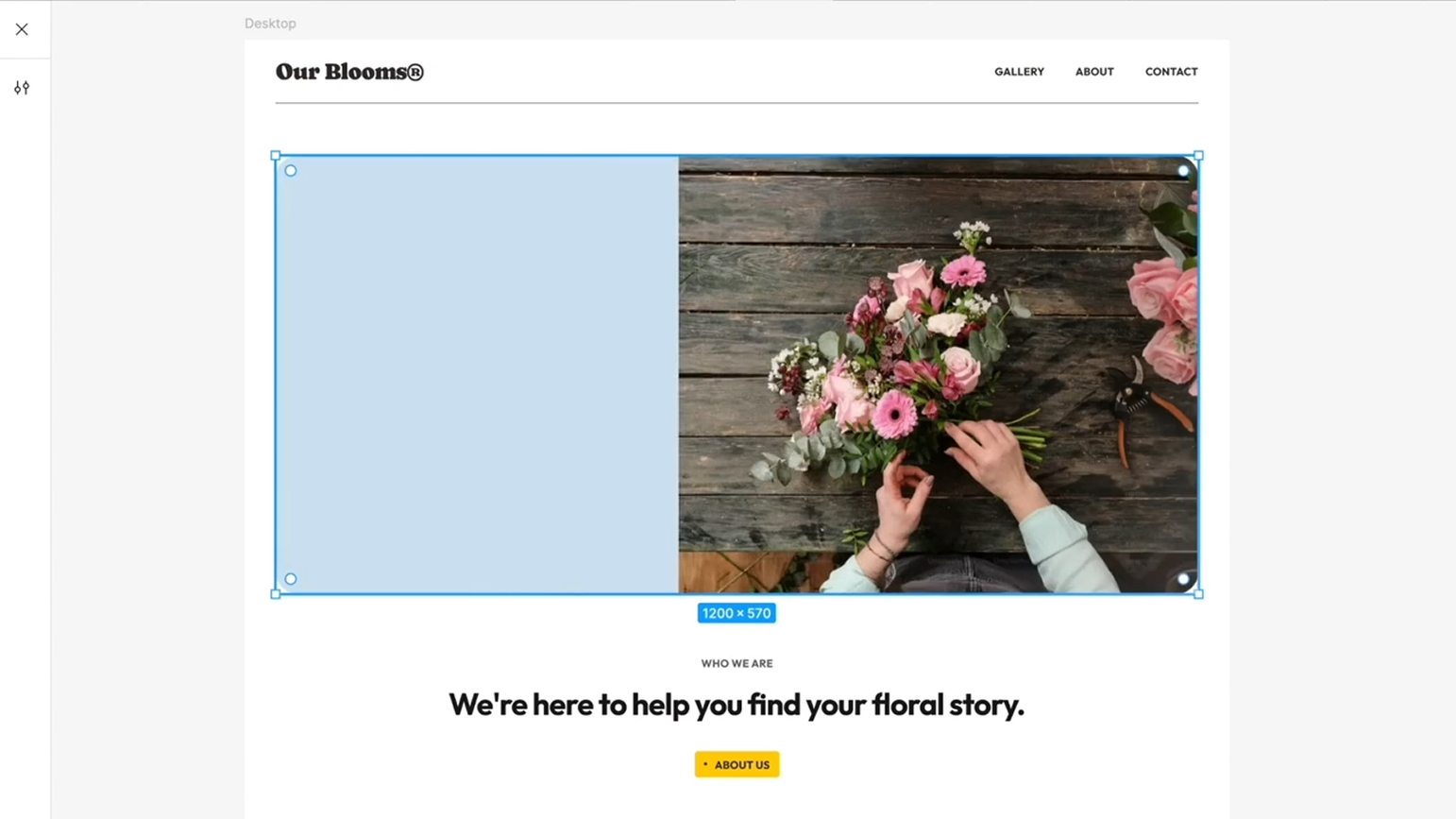
This tool allows designers to extend the background of an image to fit new dimensions without cropping important parts or distorting the image.
Tool Benefits
Preparing visuals in multiple sizes for publishing.
Creating banners and landing pages without losing essential content.
Optimizing visuals for mobile and tablet layouts.
The New Toolbar
Figma has combined both old and new image-editing tools into a unified toolbar, making the editing process clearer, more organized, and seamlessly integrated into the natural design workflow.
Advantages of the Update
Reduced dependency on external applications.
Improved workflow movement within projects.
Higher-quality visual outcomes inside the design interface.
Potential Limitations
AI-generated results may require careful review.
Advanced photo manipulation may still require specialized tools.
Consumption of AI usage credits depending on the user’s subscription.
Practical Example
A designer working on a product page for an online store may need to:
Remove unwanted elements using Erase Object.
Isolate the product and adjust its lighting using Isolate Object.
Expand the background to a 16:9 format with Expand Image.
The result: A ready-to-use image without ever leaving Figma.
Conclusion
Figma’s latest update represents a move toward a more complete design ecosystem. The new tools save time and allow designers to perform essential image editing directly within their workspace, resulting in faster and more consistent design output.
Source " https://www.figma.com/blog/introducing-three-new-tools-for-precise-image-editing-in-figma